Make Your Home Wifi Available All the time with Backup Power Using 5V DC Power Bank
July 24, 2023

Jayson Canete
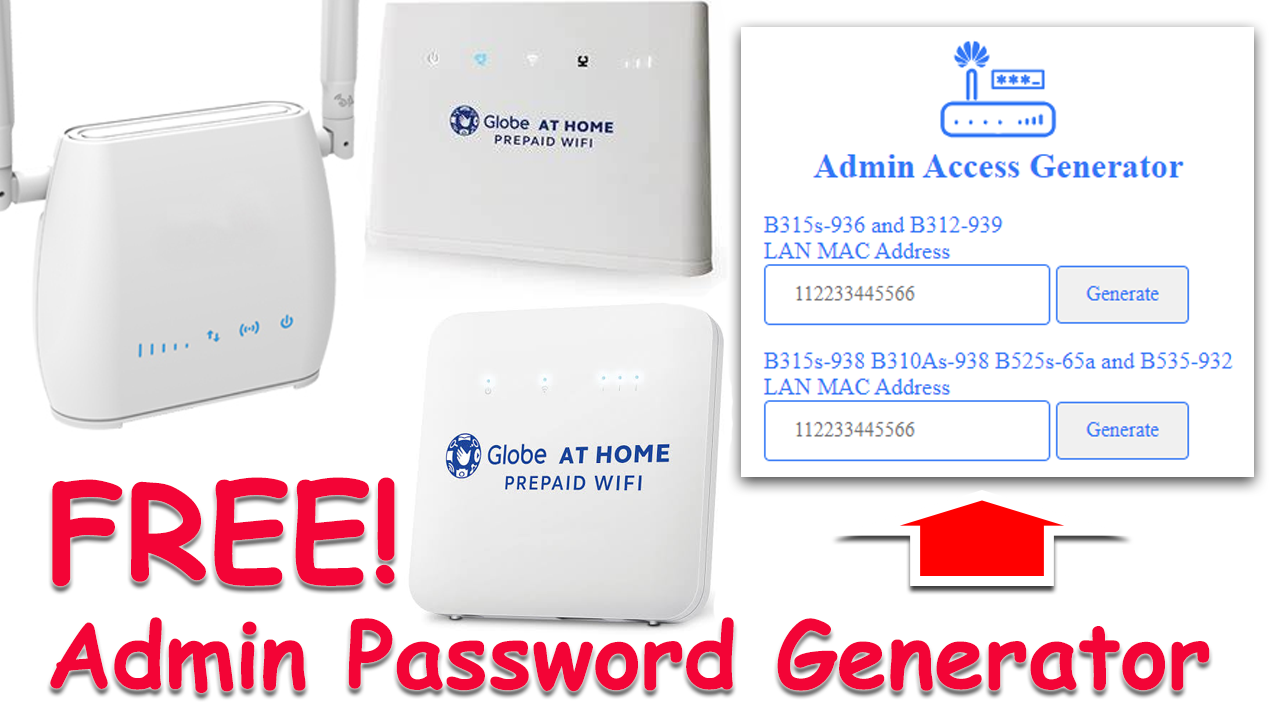
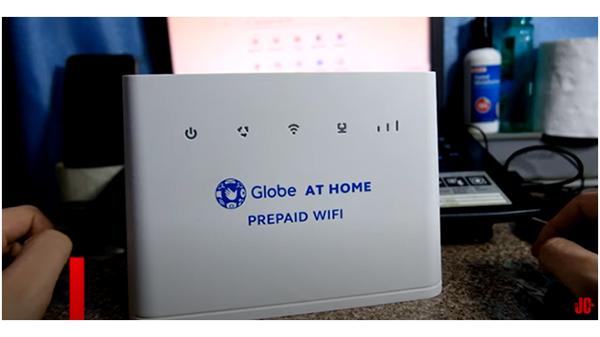
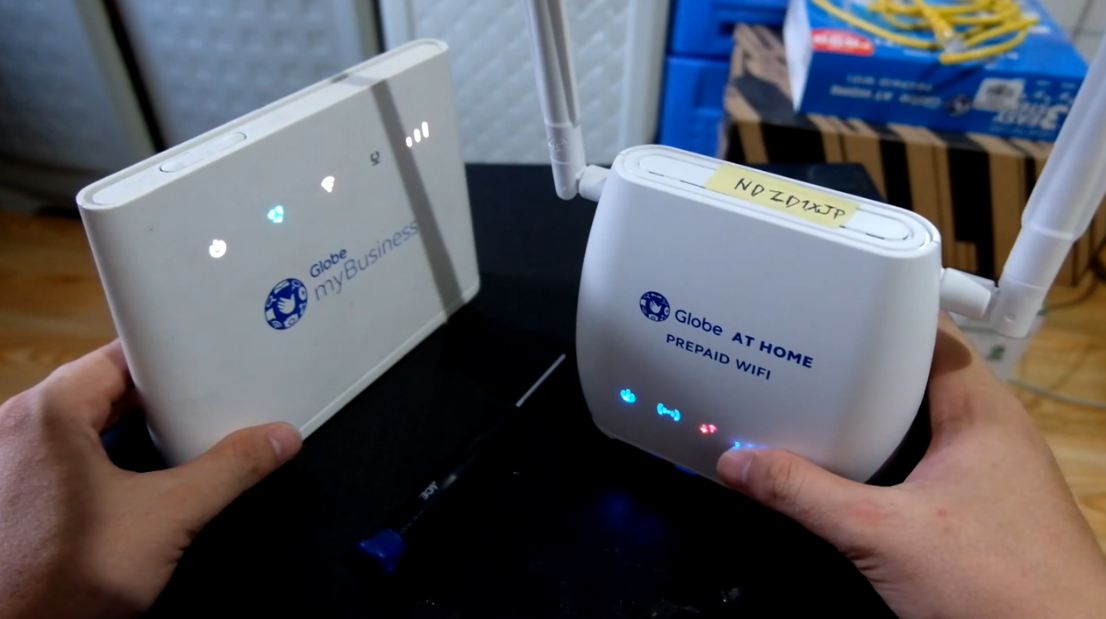
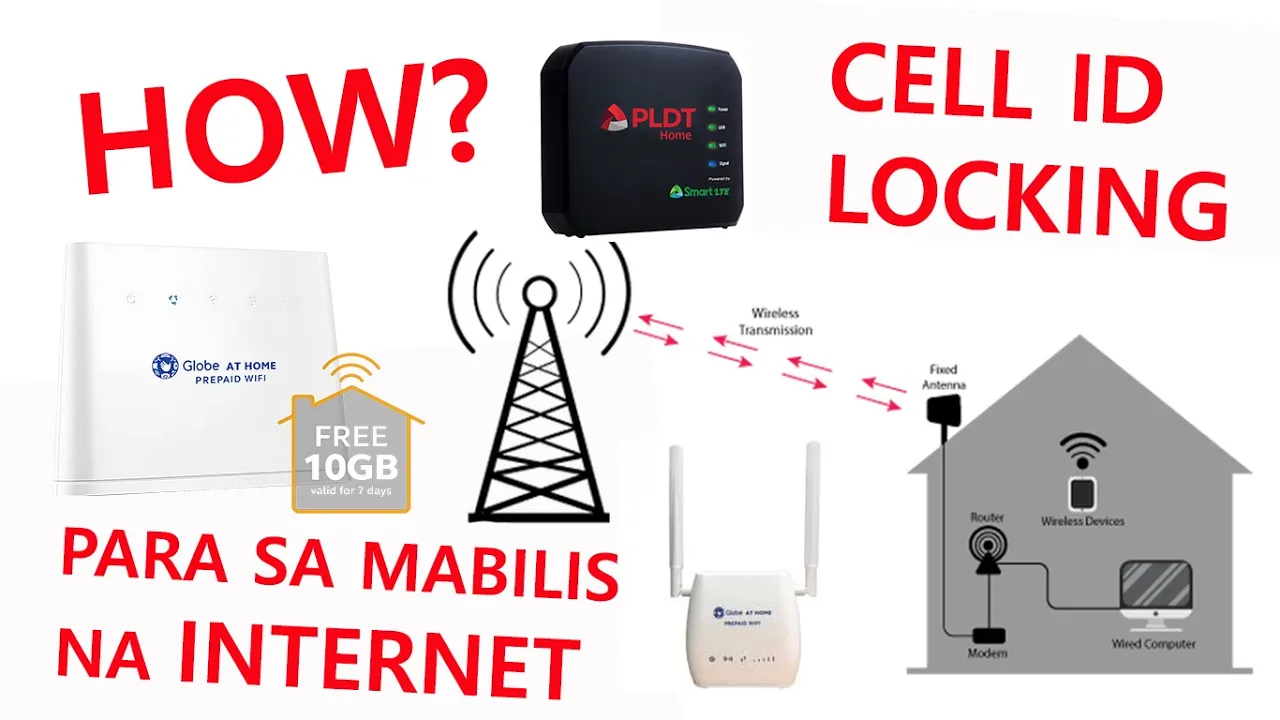
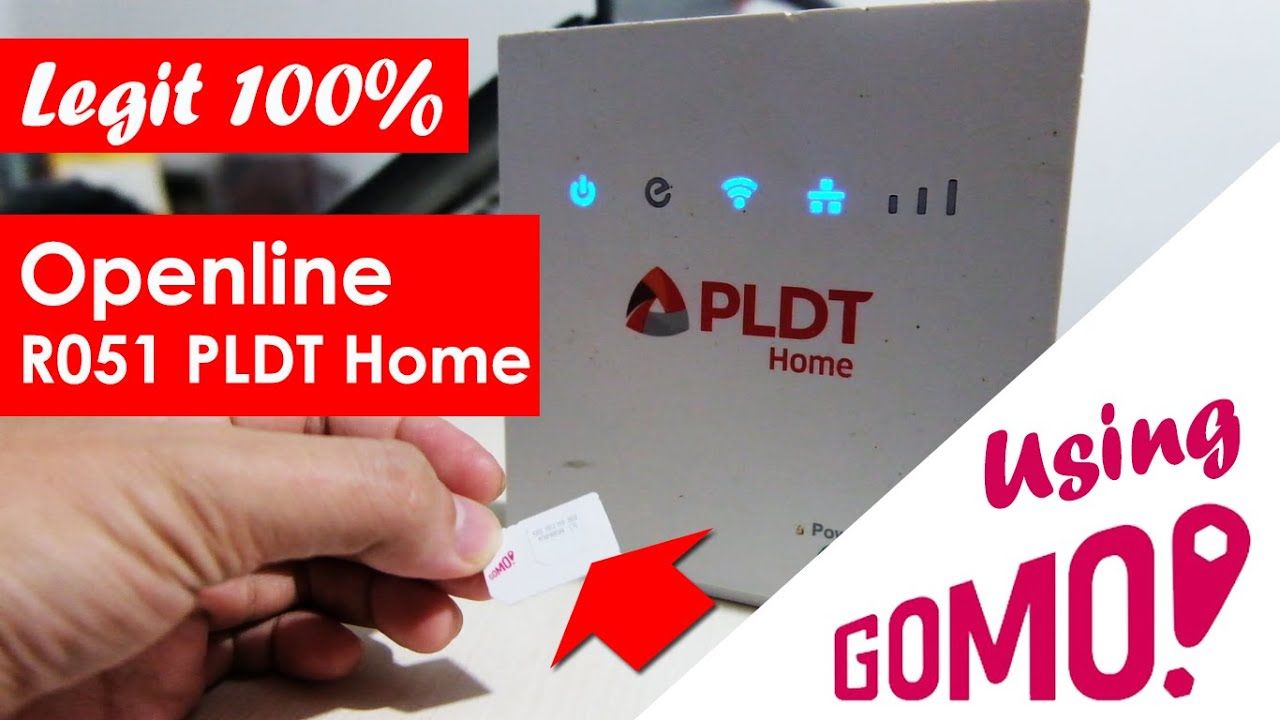
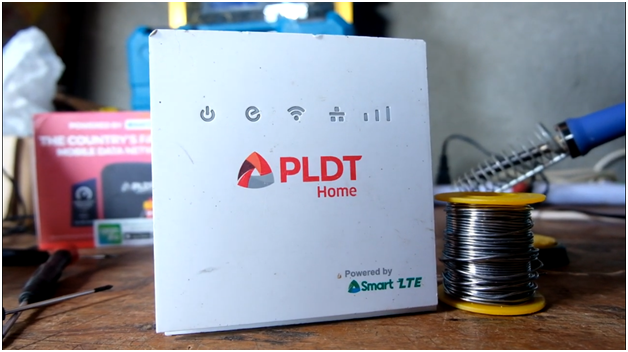
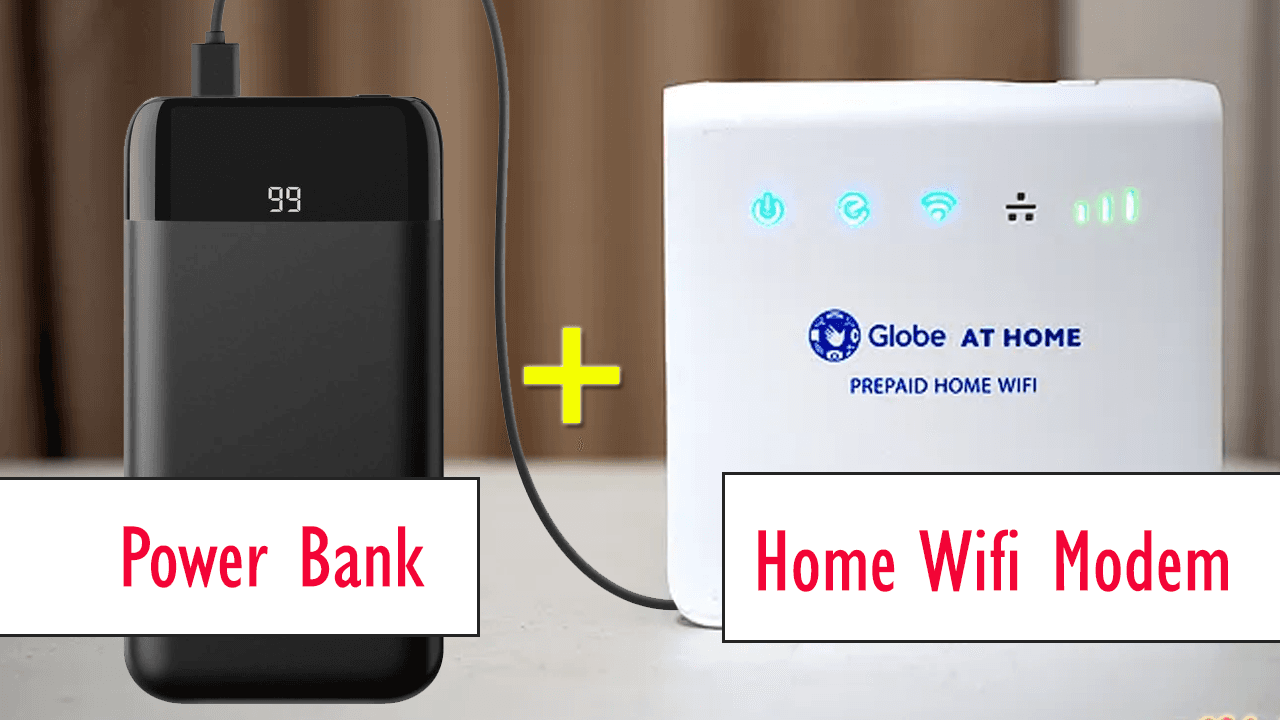
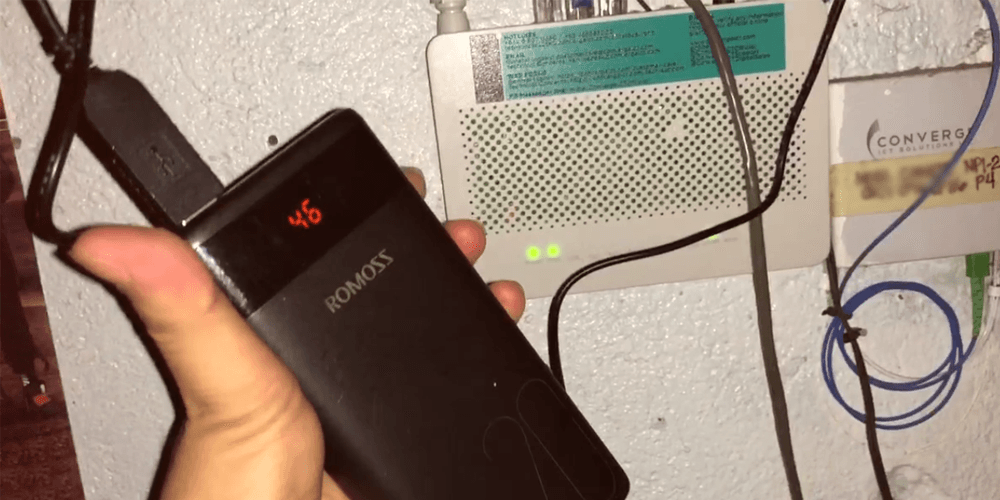
Your Globe at Home Wifi or Smart/PLDT Home Wifi can now be taken anywhere using just a powerbank. Those with a Fiber line at home, such as Converge, Sky Fiber, or PLDT Fiber Router modem, can still be used even during a power outage.
Modem
Make Your Home Wifi Available All the Time with Backup Power Using a 5V DC Power Bank and USB Cable Adapter
In this fast-paced digital age, a stable internet connection is crucial for staying connected with family, friends, and the world. However, power outages can disrupt your home wifi connection and leave you disconnected at crucial moments. But fear not! With the help of a 5V DC power bank and a USB cable adapter that converts 5V DC to 12V DC, you can ensure uninterrupted internet access even during blackouts. Let's explore how this setup works and the benefits it brings to keep you online all the time.
1. The Convenience of Portable Home Wifi
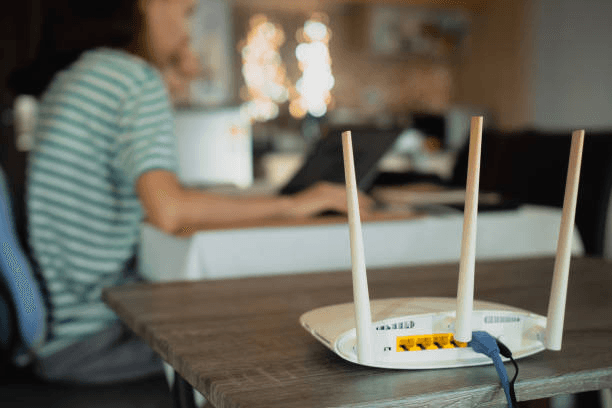
The Globe at Home Wifi, Smart/PLDT Home Wifi, and other similar devices have become popular choices for providing internet connectivity within households. These wifi routers typically require a standard power outlet to function, limiting their usability to the location where they are plugged in. However, by using a 5V DC power bank, you can now make your home wifi portable, allowing you to take it anywhere within the range of your network coverage.
2. Understanding the 5V DC Power Bank
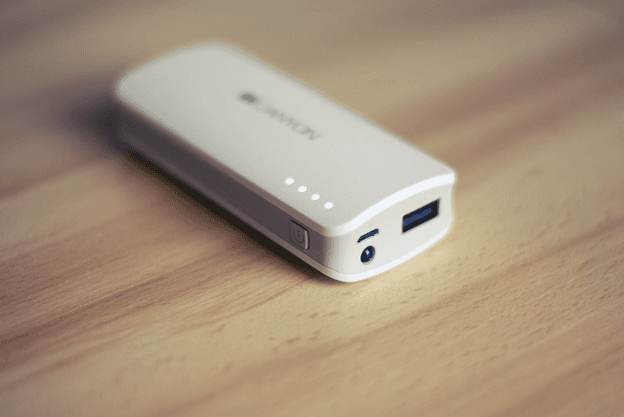
A 5V DC power bank is a portable device designed to supply 5 volts of direct current (DC) power to various electronic devices, such as smartphones, tablets, and other USB-powered gadgets. By utilizing this power bank to power your home wifi router through a USB cable adapter that converts 5V DC to 12V DC, you can ensure your router receives the necessary power to function optimally.
3. The Role of the USB Cable Adapter
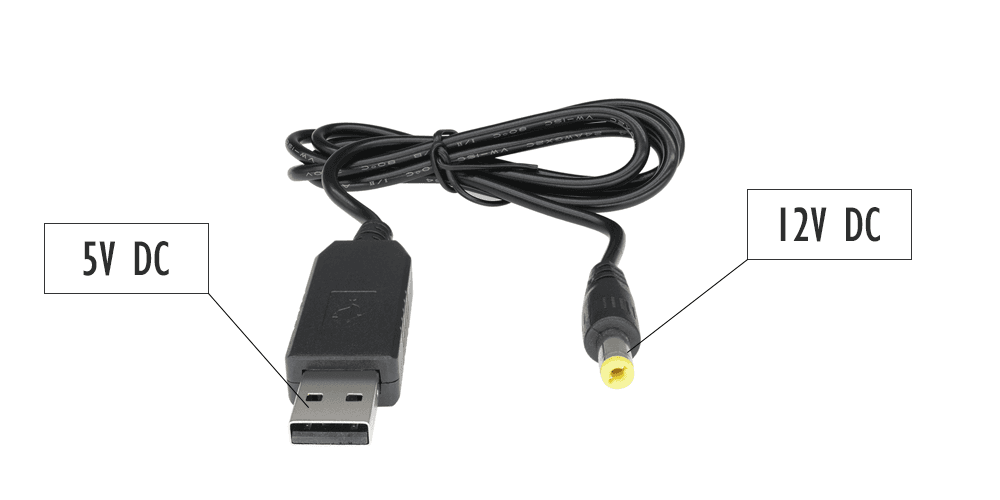
To power your home wifi router, which typically requires 12V DC input, you'll need a USB cable adapter that converts the 5V DC output from the power bank to 12V DC. This adapter acts as a crucial intermediary, enabling your wifi router to receive the appropriate voltage to function correctly.
4. How to Set Up the Backup Power System
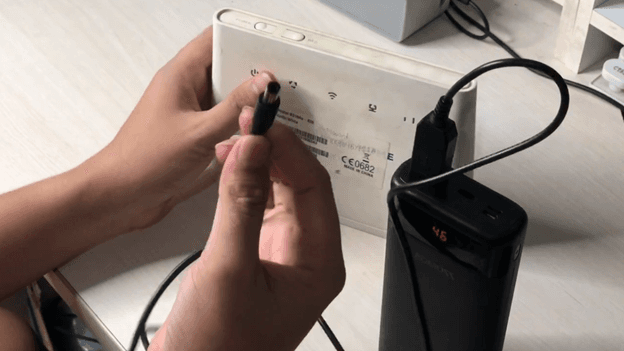
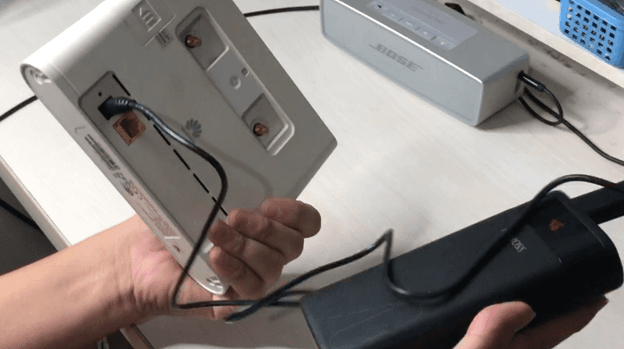
Setting up the backup power system for your home wifi is a straightforward process. First, ensure you have a compatible 5V DC power bank and a USB cable adapter that can convert the output voltage to 12V DC. Connect one end of the USB cable to the 5V DC output of the power bank and the other end to the USB input of the adapter. Finally, plug the adapter's output into your wifi router's power input, and you're all set!
5. Benefits of Having Backup Power for Your Home Wifi
Having backup power for your home wifi router offers several advantages. Firstly, it ensures uninterrupted internet access during power outages, allowing you to continue your work, online learning, or entertainment without disruptions. Secondly, it provides flexibility in using your home wifi in outdoor settings, such as picnics, camping trips, or family gatherings, where power outlets might be scarce. Moreover, this setup can be particularly valuable during emergencies, as staying connected becomes essential for accessing critical information and communicating with authorities and loved ones.
Summary
By utilizing a 5V DC power bank and a USB cable adapter to power your home wifi router, you can make your internet connection available all the time, regardless of power outages or fixed power outlets. This portable backup power solution brings convenience, flexibility, and peace of mind, ensuring you stay connected and productive in today's digitally connected world. So, keep your home wifi up and running with this smart backup power setup!
Watch our full video tutorial in Youtube